













In short
- UX/UI trends in 2026 are driven by AI, digital accessibility and personalisation. AI supports designers from mockups and layout variants to microcopy and real-time interface personalisation, and platforms such as Figma are integrating AI features.
- Digital accessibility and WCAG compliance (contrast, keyboard navigation, alternative text, screen readers) are one of the foundations of good UX. Microinteractions and personalisation build a sense of responsiveness and of an interface that fits the user.
- The visual trends listed include free-form typography, holographic/neon style, glassmorphism, claymorphism, and minimalism with animations and an asymmetric layout. Design decisions are increasingly based on research and data, which translates into conversion.
The UX/UI design industry is constantly changing, and 2026 brings another wave of change driven mainly by the development of artificial intelligence, growing emphasis on digital accessibility, and the personalisation of user experiences. We present the most important trends that, in our view, will define UX/UI design in 2026, from visual style, through new technologies, to changes in the design process itself.
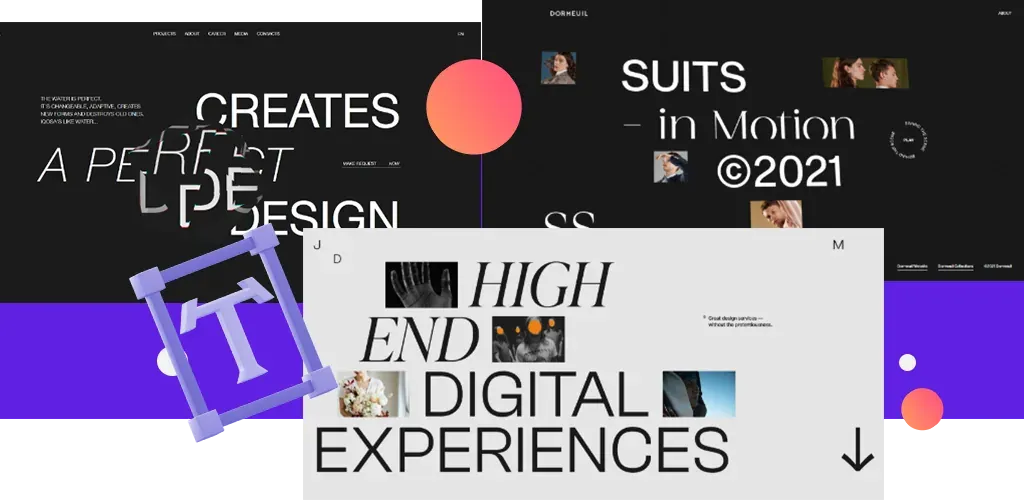
1. UX Design: Typography
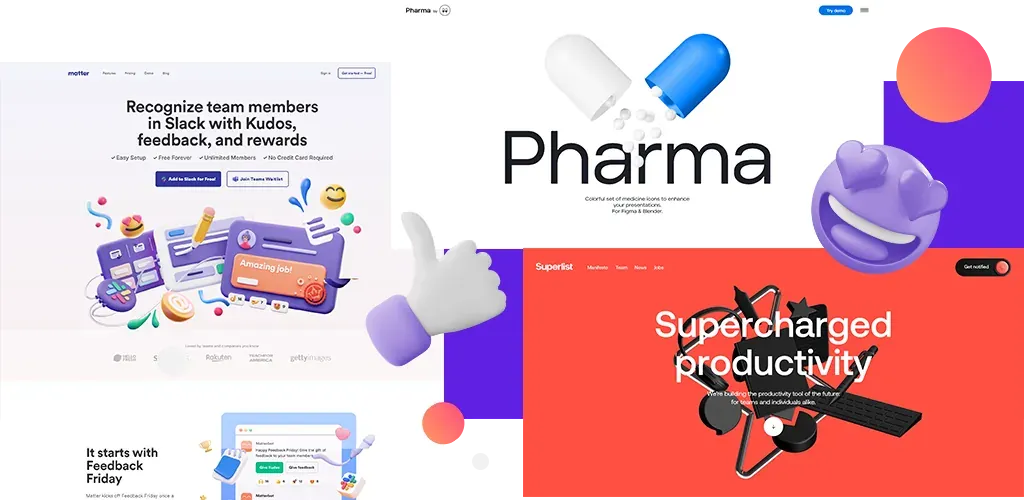
The first trend I'll cover is Typography. Strict typography rules used to dominate, which didn't leave much room for freedom, but right now it seems modern graphic design with headings and paragraphs lets you do whatever you want, limited only by your imagination. We can now mix fonts with shapes, photos and emoji, or layer a texture on top of them, which is perfectly visible in a few example sites.
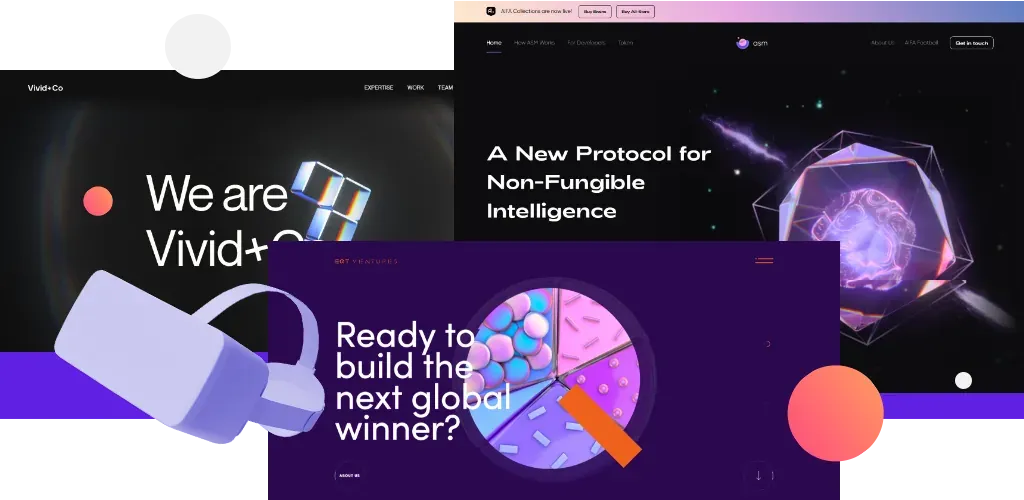
2. Modern Graphics: Holographic / Neon
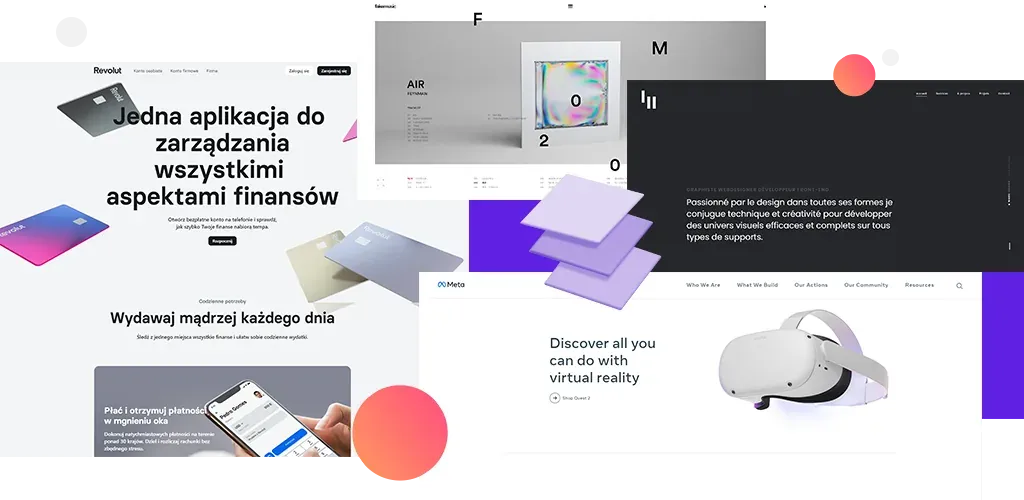
This trend fits well with UX design for Metaverse, VR or hologram interfaces. Characteristic features of this style are abstract, vivid colours and a light-refraction effect (prism). This style is a perfect fit for cryptocurrency-themed sites or apps, as a way to show how futuristic these interfaces are.
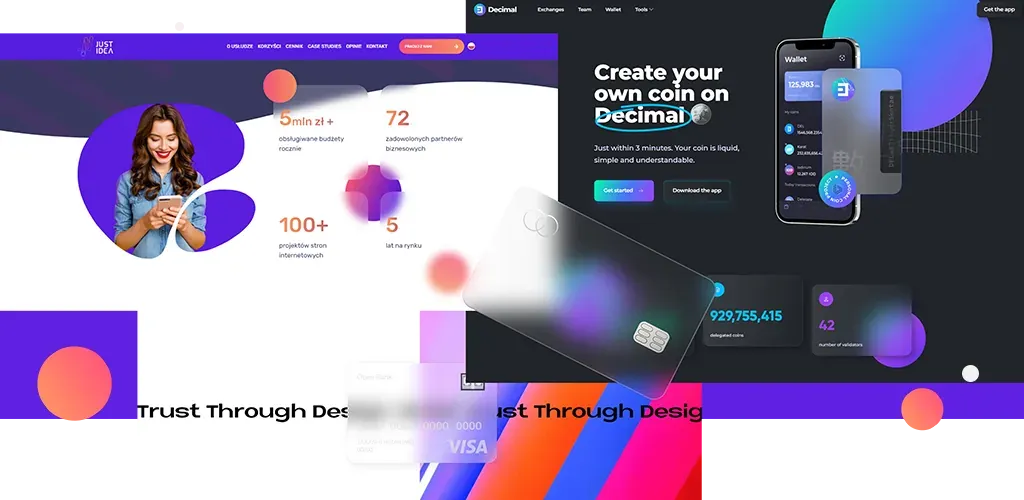
3. Glassmorphism
This is nothing other than a blur over a semi-transparent background, given a glass effect. This effect has been used for years in operating systems such as macOS and Windows, among others, and remains popular in many modern applications.
4. Claymorphism as Modern 3D Graphics
3D is evolving into a more simplified version of what we've already seen. Modern graphics in 3D illustrations and 3D UI elements are increasingly created as claymorphism (that is, an effect combining inner and outer shadows). 3D objects resemble something made of clay: a simple shape, cylindrical or oval, with inner and outer shadows to create depth.
5. UX Design: Minimalism
In UX design, page clarity is becoming increasingly popular. An additional element of minimalist sites is animation, along with an unconventional, asymmetrical layout.
Year after year, this trend keeps growing, and more and more brands are starting to use it.
Of course, the trends presented above are only a taste of what could happen. But let's not be afraid to look for other solutions or combine different styles. We're the ones who define what's going to be fashionable, and original at the same time.
6. AI in UX/UI Design
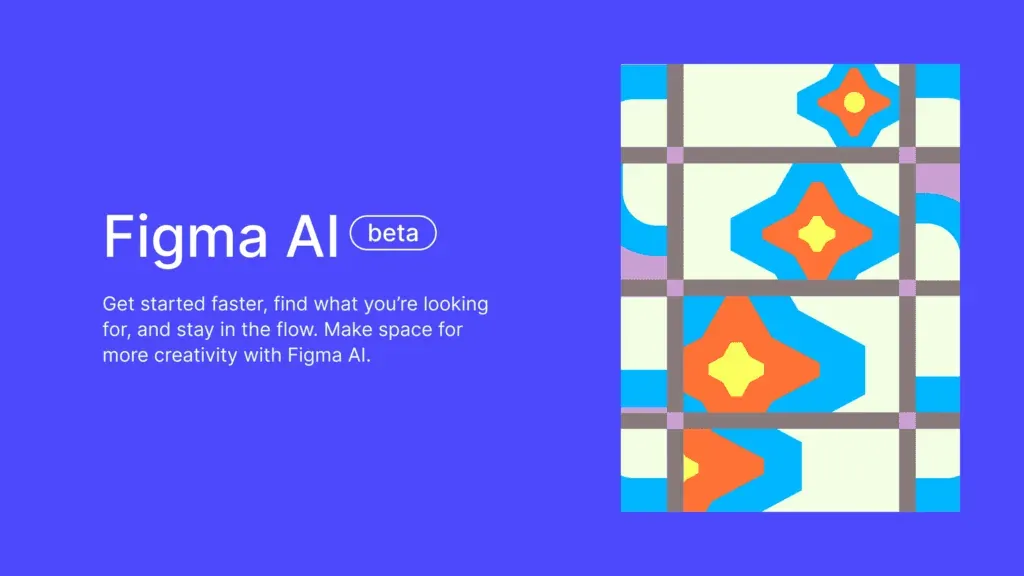
In 2026, artificial intelligence is no longer an add-on, but an integral part of the design process. AI tools support UX designers at every stage, from generating the first mockups and layout variants, through automatically creating content and microcopy, to personalising the interface in real time based on user behaviour. More and more platforms, such as Figma, are integrating AI features that support prototyping and speed up the work of design teams.
7. Digital Accessibility and WCAG as the Standard
Digital accessibility has stopped being an optional extra: in 2026, it's one of the foundations of good UX design. Compliance with WCAG guidelines (adequate contrast, keyboard navigation, alt text, support for screen readers) affects not only accessibility for people with disabilities, but also overall usability and how a brand is perceived. Designing with different users' needs in mind is becoming the standard, not a differentiator.
8. Microinteractions and Personalisation
Microinteractions (small animations that respond to user actions, such as confirming a click or subtle transitions between screens) build a sense of responsiveness and polish in an interface. Combined with personalisation based on user behaviour data, they let you create experiences that feel individually tailored to each visitor, instead of one universal template for everyone.
9. Data- and User-Research-Driven Design
More and more design decisions are being made based on real data, rather than the designer's intuition alone. User research, usability testing and user flow analysis let you verify whether an interface actually works as intended on mobile and desktop devices. This approach translates directly into business metrics: better usability, form completion and intuitive navigation increase conversion and user satisfaction.
You'll also find other design-related posts on our blog. You might be interested, for example, in How to prepare a graphic design for developers? or What is a landing page and what should it include?. Our marketing agency has experienced graphic designers on its team who'll be happy to help you create the creative side of your projects. Check out graphic design at JustIdea.
FAQ: frequently asked questions
What's the difference between UX design and UI design?
UX design (User Experience) is responsible for the overall user experience: a product's functionality, intuitiveness and usability. UI design (User Interface) focuses on the visual layer: colours, typography and the layout of interface elements. In practice, the two disciplines overlap closely.
Which tools are most popular in UX/UI design?
The most commonly used tool right now is Figma, which allows you to design interfaces, build prototypes, and lets design teams work together in real time.
Does good UX/UI affect conversion?
Yes: intuitive navigation, a clear layout and quick paths to the goal directly increase the conversion rate and user satisfaction, which translates into business results.
How do you start a career in UX design?
Good starting points are courses, postgraduate studies in UX/UI, and practising with tools such as Figma. It's also worth building a project portfolio and learning the basics of user research right from your first steps in the industry.


